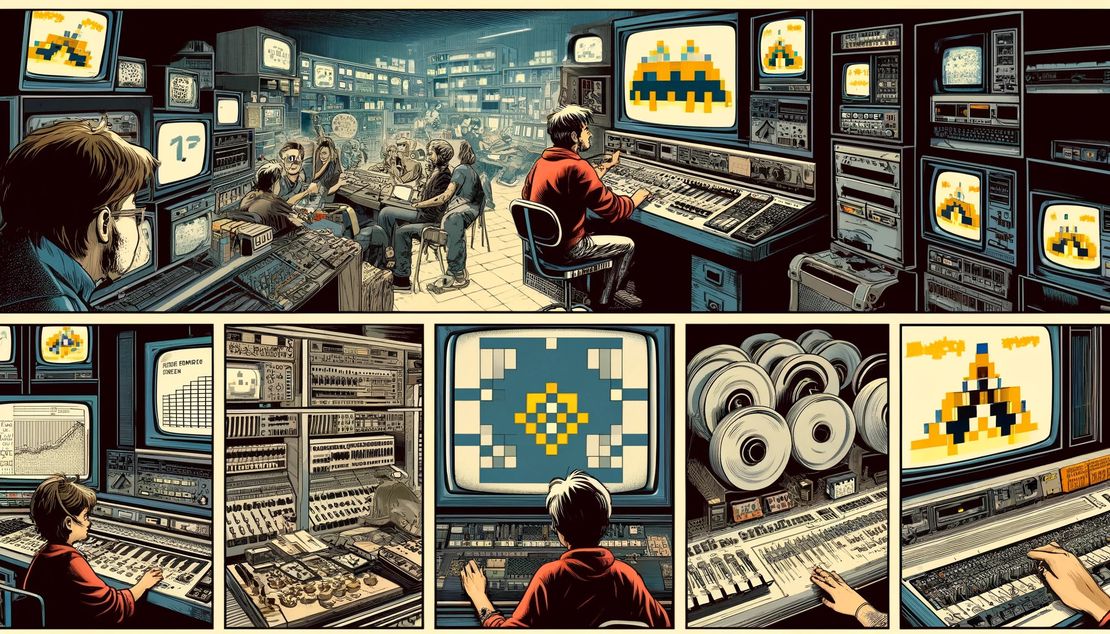
Embedding Multimedia and More

Embedding Multimedia and More

There are 4 ways in LiaScript to embed multimedia content:

  1. the classical way ![alt](image-url)
  2. sound ?[alt](sound-url)
  3. video !?[alt](video-url]
  4. for everything else ??[alt](url)

You can use this this example as a basis for your own course by following this link

… Or experiment with it in the LiveEditor below:

Related Posts

Images are handled differently

... a paragraph with a starting image will produce a floating environment, a paragraph with only images will produce a gallery, the image will be optimally sized & placed, and "titles" will be used as captions.

Read More

Embedding Multimedia - How does it work??

Including any kind of multimedia content in LiaScript is easy. This post shows you how to embed images, videos, and sounds in your LiaScript courses. You can also embed content from other websites using oEmbed.

Read More

Fonts: Dead or Alive

How to use different fonts in LiaScript-Markdown and why this might be useful for learning ancient and extinct languages?

Read More