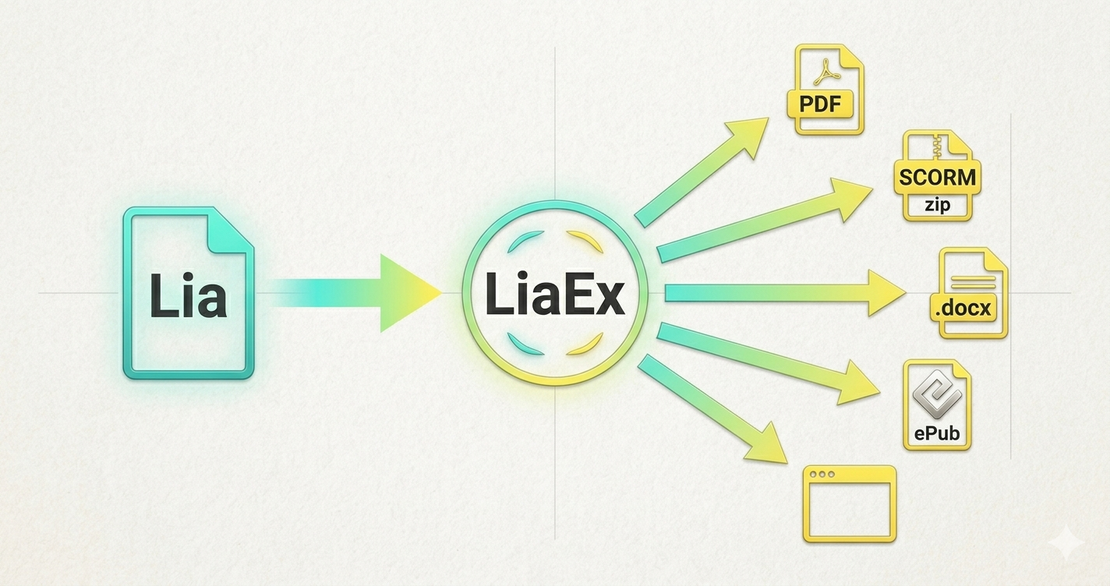
LiaEx: From CLI Tool to Full Export Platform
- Jihad Hyadi
- News , Feature
- March 26, 2026
Back in October 2025, we announced that LiaEx had received funding through the OE_Sprints program of the German Federal Ministry for Family Affairs, Senior Citizens, Women and Youth (BMBFSFJ). With the project period running from October 15, 2025 to April 14, 2026, the sprint is now in its final stages — and this post provides an overview of the key developments completed so far.
Project Period: October 15, 2025 – April 14, 2026 Funding Code: 01PZ25002
Overview
The primary objective was to evolve the LiaScript-Exporter from a capable but CLI-only tool into an accessible solution that educators, course designers, and institutions can adopt without requiring developer expertise.
The exporter is now available in three forms — a native desktop application, a browser-based web UI, and the existing CLI — all driven by the same underlying export engine.
Developments to Date
1. New User Interfaces
A central goal of LiaEx was to make the exporter accessible beyond the command line. The same export engine now powers three distinct usage modes:
Desktop Application (recommended)
The desktop app is the most accessible entry point. It runs on Windows, macOS, and Linux and requires no Node.js installation or terminal knowledge. Download and install it directly from the GitHub Releases page. Available packages include .exe, .dmg, .AppImage, .deb, .rpm, and portable archives for all platforms.
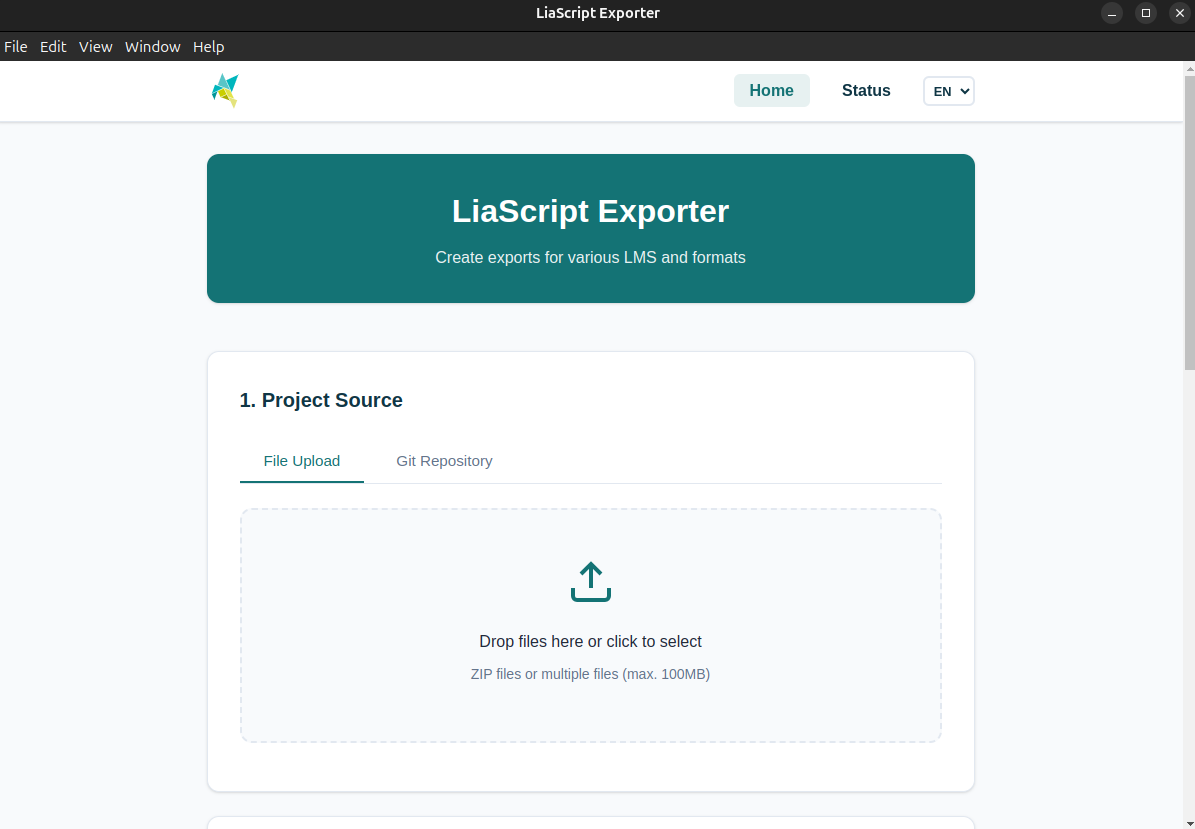
Web UI (via CLI)
For users who prefer a browser-based workflow or want to integrate the exporter into a server environment, the same interface is available as a local web server. After installing via npm, start it with:
npm install -g @liascript/exporter
liaex serve
This starts the export server on port 3000. The interface allows you to:
- Upload files or specify a Git repository as your course source
- Select an export target (Moodle, ILIAS, OPAL, Generic LMS, Web, PDF, ePub, DOCX, xAPI, Android APK)
- Configure advanced format-specific settings
- Submit export jobs and track their status in an asynchronous queue
Docker (Android export)
Android exports require the Android SDK, which can be complex to set up locally. A pre-built Docker image is provided for this purpose:
docker pull liascript/exporter:latest
docker run --rm -v $(pwd):/work liascript/exporter \
  liaex -f android \
  -i /work/README.md \
  --android-appId io.github.liascript.mycourse \
  --output /work/output
The Docker image can also be used to run the web UI in a self-hosted or institutional environment.
2. New Export Formats
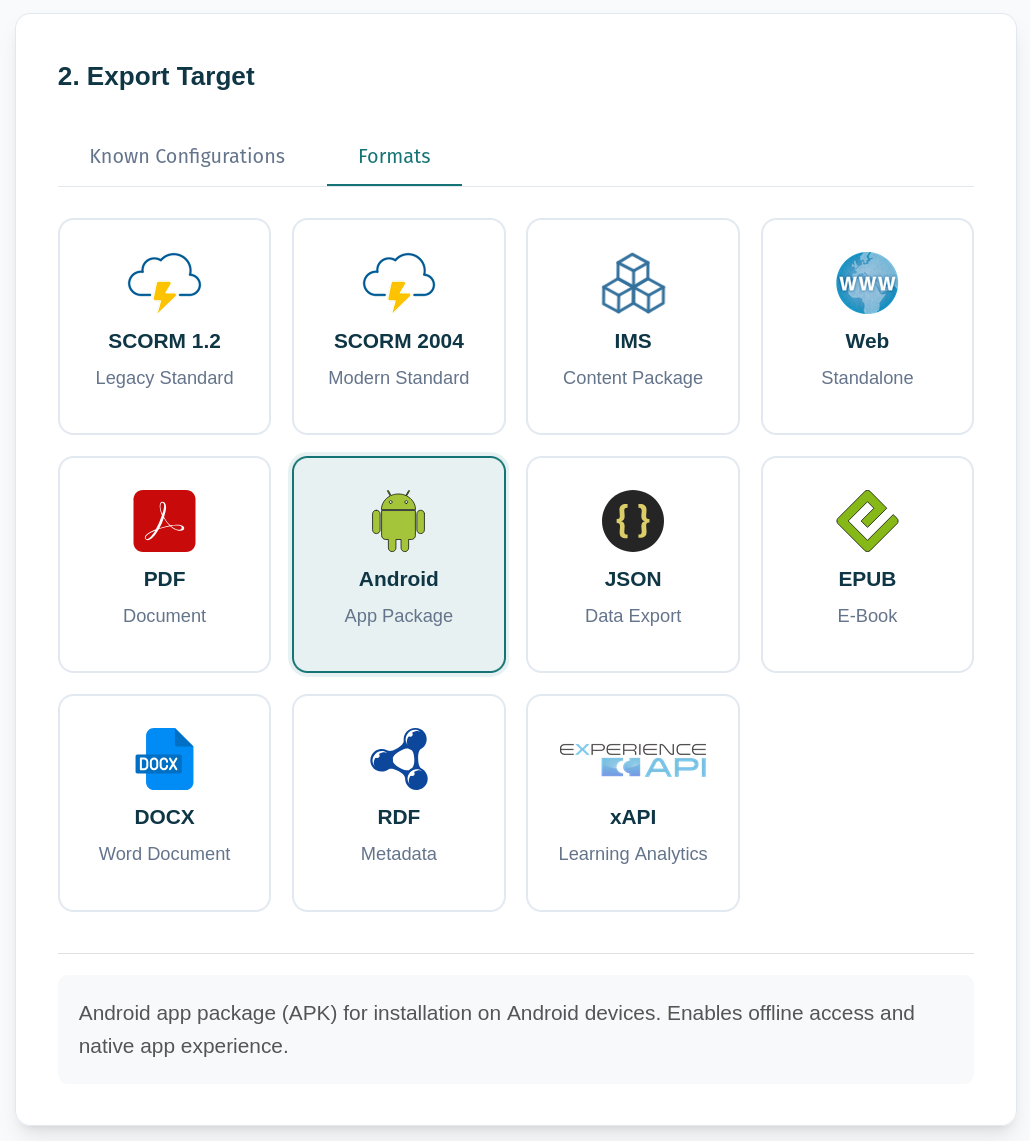
Three new output formats were added alongside the existing SCORM, IMS, Web, PDF, and Android exports:
xAPI (Tin Can API)
xAPI is the modern standard for tracking rich learning interactions with a Learning Record Store (LRS). LiaEx now generates self-contained xAPI packages with a tincan.xml manifest. Options include LRS endpoint configuration, actor and course ID settings, mastery threshold, and zip packaging.
liaex -i course/README.md --format xapi --xapi-endpoint https://lrs.example.com/xapi
ePub
LiaScript courses can be exported as ePub e-books compatible with most e-readers. Puppeteer renders the course content, which is then packaged in standard ePub 2/3 format. Options include custom cover images, fonts, stylesheets, language metadata, and table-of-contents control.
liaex -i course/README.md --format epub --epub-title "My Course" --epub-author "Author Name"
DOCX
Courses can be exported as Microsoft Word documents (.docx), compatible with Word 2007+, LibreOffice, and Google Docs. Custom headers, footers, page numbers, fonts, page orientation, and CSS stylesheets are supported.
liaex -i course/README.md --format docx --docx-title "My Course"
3. GitHub Action
For teams managing course content in Git repositories, we published an official GitHub Action that runs exports automatically on every push — no server required. Add it to your workflow and get SCORM, PDF, or any other format as a build artifact:
- name: Export to SCORM
  uses: LiaScript/LiaScript-Exporter@master
  with:
    input-file: 'README.md'
    format: 'scorm1.2'
    output-name: 'my-course'
Full documentation is available in action/README.md.
4. Improved LMS Compatibility
We significantly expanded and validated SCORM compatibility across real-world LMS platforms. The exporter now includes tested, documented command examples for the following LMS systems:
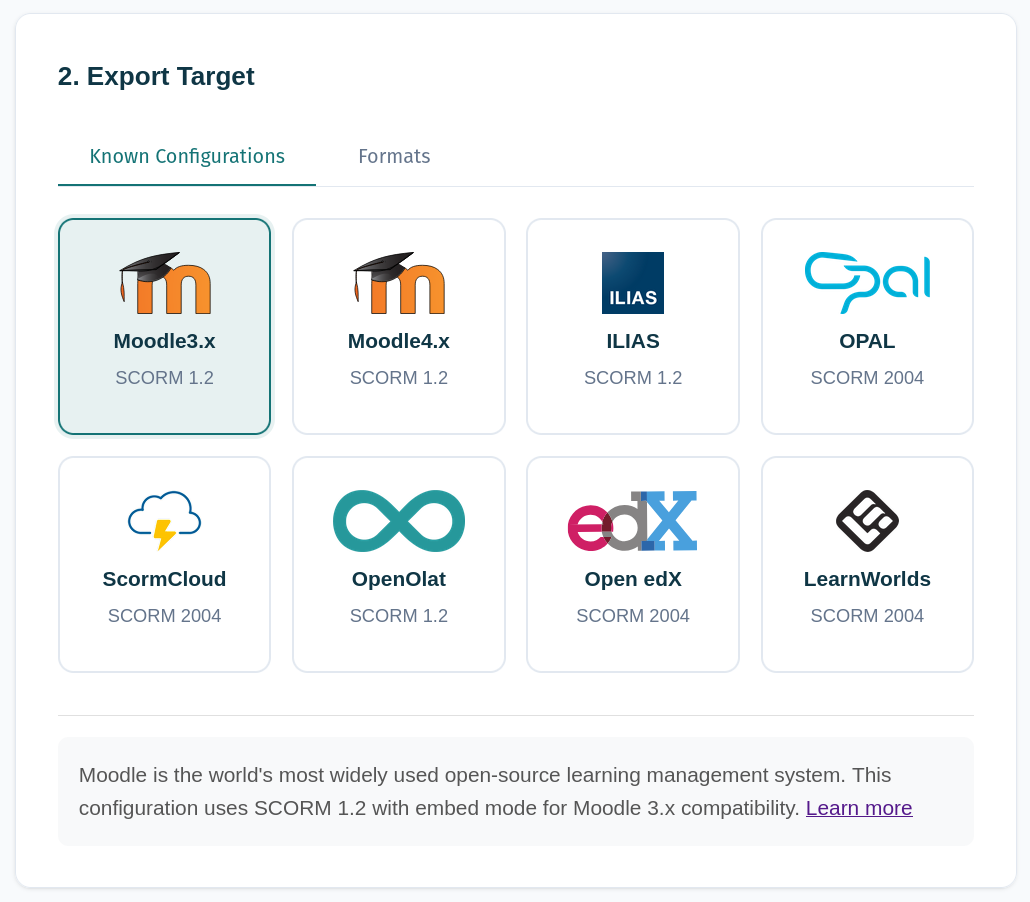
Using the following command, you can list all available presets and make them a target for export, without needing to specify all the individual flags:
$ liaex -f presets

Available Presets:

  🎓  moodle3
      Moodle3.x - SCORM 1.2
      Moodle is the world's most widely used open-source learning management
      system. This configuration uses SCORM 1.2 with embed mode for Moodle 3.x
      compatibility.

  🎓  moodle4
      Moodle4.x - SCORM 1.2
      Moodle is the world's most widely used open-source learning management
      system. This configuration uses SCORM 1.2 with embed mode for Moodle 4.x
      compatibility.

  📚  ilias
      ILIAS - SCORM 1.2
      ILIAS is a powerful open-source LMS from Germany. This configuration uses
      SCORM 1.2 for best compatibility with ILIAS versions. Learn more

  🏛️  opal
      OPAL - SCORM 2004
      OPAL (Online Platform for Academic Teaching and Learning) is the central
      LMS for Saxon universities. Optimized for SCORM 2004.

  🌩️  scormCloud
      ScormCloud - SCORM 2004
      ScormCloud is a commercial SCORM hosting platform operated by Rustici
      Software. This configuration provides universal SCORM 2004 settings for
      maximum compatibility.

  🔓  openolat
      OpenOlat - SCORM 1.2
      OpenOlat is an open-source e-learning platform from Switzerland. This
      configuration uses SCORM 1.2 for full functionality.

  🎯  openedx
      Open edX - SCORM 2004
      Open edX is the open-source platform behind edX.org and is used worldwide
      for MOOCs. Uses SCORM 2004 via the SCORM XBlock.

  🌍  learnworlds
      LearnWorlds - SCORM 2004
      LearnWorlds is a modern cloud-based learning platform for online course
      providers. This configuration uses SCORM 2004 with iframe mode and
      masteryScore for best compatibility.


Usage:
  liaex -i <input.md> -f presets --<preset-id> [-o <output>]
  liaex -i <input.md> -f presets --<preset-id> [--scorm-organization "..."] [-o <output>]

Tip: Add format-specific flags to override preset defaults.
To make complex export setups reproducible, we introduced YAML-based export presets. Instead of repeating long command flags, you can store your configuration in a file and reference it — particularly useful for project-level batch exports with per-course overrides.
If you know a configuration that works well with another specific LMS, please share it with us so we can add it to the list of presets!
View Presets ConfigurationDemo
Try It Now
All developments described above are already available in the current release:
- npm:
npm install -g @liascript/exporter - Desktop app: GitHub Releases
- Docker:
docker pull liascript/exporter:latest - Source: github.com/LiaScript/LiaScript-Exporter
Contributions, bug reports, and feature suggestions from the community are welcome. The project is maintained openly and is intended to serve educators and OER practitioners across institutional contexts.
Acknowledgments
We gratefully acknowledge the support of:
- BMBFSFJ – Federal Ministry for Family Affairs, Senior Citizens, Women and Youth
- DLR Project Management Agency – for project coordination
- OER and LiaScript communities – for feedback, inspiration, and testing throughout the sprint
- TU Bergakademie Freiberg – for hosting the project and providing development resources
Further Information: