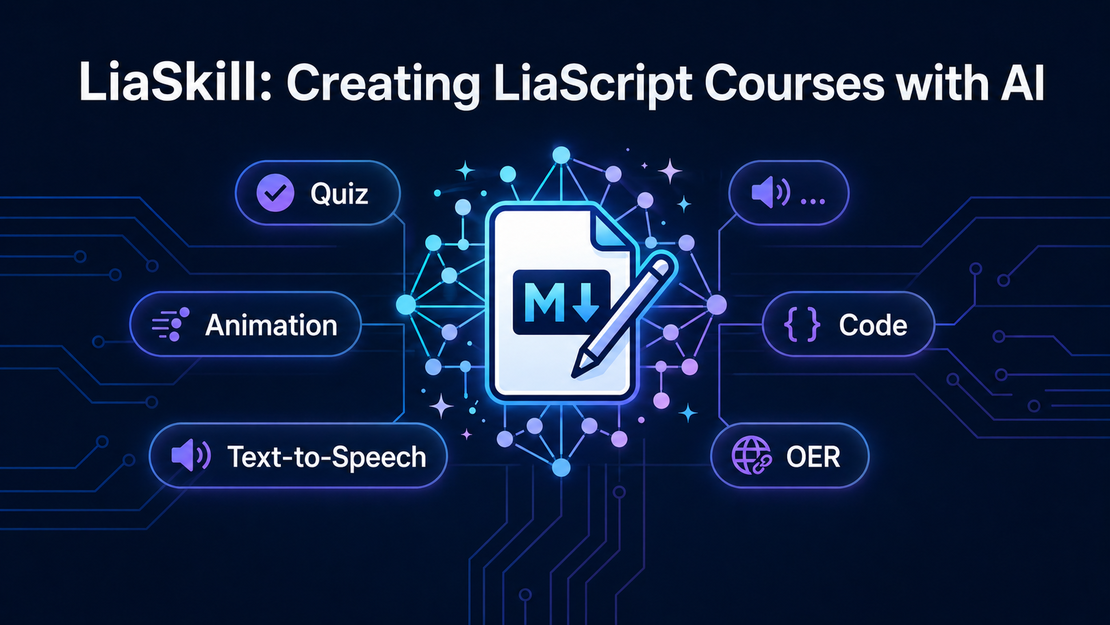
LiaSkill: Creating LiaScript Courses with AI
- Jihad Hyadi
- News , Feature
- April 30, 2026
Writing a LiaScript course from scratch means learning its Markdown dialect: how quizzes are formatted, how animations are triggered, how text-to-speech comments attach to slides. That knowledge barrier is real, and it slows down educators who just want to produce good content.
LiaSkill removes that barrier. It is an AI skill — a structured knowledge file — that you attach to any large language model. Once attached, the model understands LiaScript syntax well enough to generate a complete, renderable course file from a plain-language description.
What it is
LiaSkill is not a plugin or an extension. It is a small folder of Markdown files that document LiaScript’s syntax in a format optimized for AI consumption: structured sections, explicit rules, and worked examples for every feature.
liascript-skill/
├── SKILL.md              # Main skill definition
└── references/
    ├── advanced.md       # Macros, scripting, imports, custom quiz config
    ├── templates.md      # Reusable course templates
    └── voices.md         # Full list of supported TTS voices
SKILL.md is the entry point and covers the full LiaScript syntax.
The reference files handle the edges: advanced macro authoring, a library of ready-to-use templates, and the complete list of text-to-speech voices across dozens of languages.
Upload the whole folder — or the packaged zip from the releases page — and the model gets all of it.
Attach it to your AI assistant’s context as a system prompt, a file upload, or a skills directory entry. From that point on, asking for a course, tutorial, or quiz will produce valid LiaScript output rather than generic Markdown.
The skill covers:
- Course structure — headers, sections, subsections, and the metadata block
- Quizzes — text input, single/multiple choice, dropdowns, matrix, gap text, hints, and explanations
- Animations — step-by-step reveal and grouped block effects
- Text-to-speech — narrator comments, voice switching, and inline playback buttons
- Multimedia — images, audio, video (YouTube, Vimeo, and others), iframes, and galleries
- Tables and charts — Markdown tables that auto-render as interactive visualizations
- Code blocks — syntax highlighting, executable code, and multi-file projects
- ASCII diagrams — auto-rendered architecture and flow diagrams
- Surveys — single/multi-select and free-text survey blocks
- Math — inline and block LaTeX formulas
- Advanced — macros, custom scripts, course imports, and HTML integration
How to use it
Download the skill from the releases page as a ready-to-use zip, or clone the repository directly:
Download liascript-skill.zipgit clone https://github.com/LiaScript/LiaSkill
How you attach it depends on your tool:
- Claude (claude.ai) — upload the zip in Project Knowledge; claude.ai unpacks it and all files become available to the model
- Claude Code — add
liascript-skill/to your project’s skills directory - ChatGPT — paste the contents of
SKILL.mdinto the system prompt of a custom GPT, and upload the reference files as knowledge - API / custom apps — include the files as system messages before the user turn
Once it is in context, describe what you want:
Create a LiaScript course introducing Python for beginners. Include 3 sections: variables, loops, and functions. Add a quiz after each section, use animations to reveal bullet points step by step, and include narrator comments for the key concepts.
The model will return a complete .md file ready to render.
Previewing the output
Paste the generated file into the LiaScript LiveEditor, or host it anywhere — GitHub, GitLab, a raw URL — and open it at:
https://liascript.github.io/course/?YOUR_RAW_URL
No build step, no server, no installation.
Why this matters
LiaScript’s power has always been its expressiveness — a single Markdown file can encode quizzes, animations, code execution, and narration. The cost has been that authors need to know the syntax.
LiaSkill shifts that cost to the model. An educator who knows their subject can describe a course in plain language and receive a working LiaScript file. They can then edit, extend, and version it like any other text file — no proprietary format, no lock-in.
The skill is open source and works with any model that accepts a system prompt or file context.
View LiaSkill on GitHub