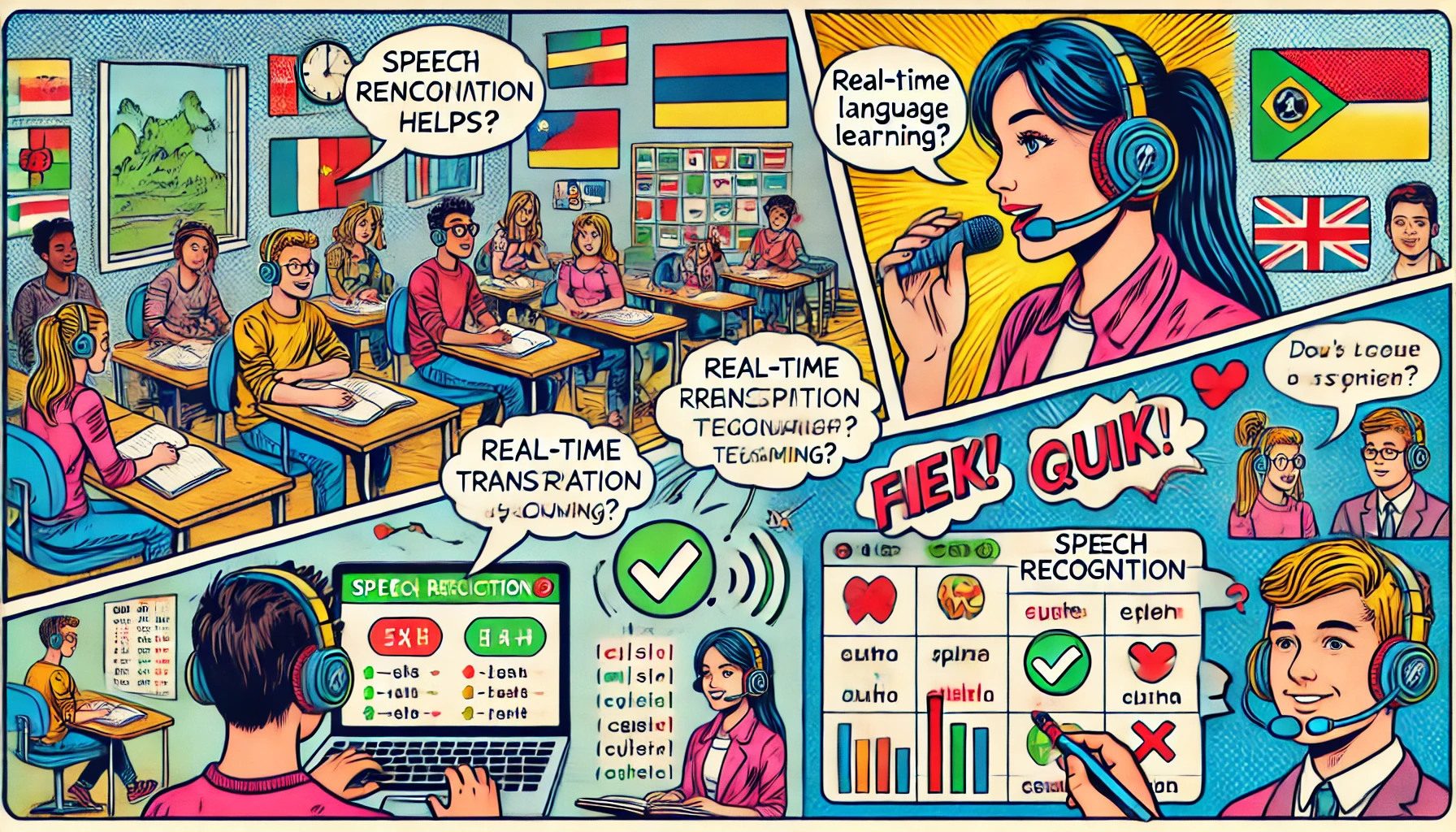
Speech-Recognition-Quiz for LiaScript: Turn Spoken Words into Interactive Quizzes
- André Dietrich
- Template , Tutorial
- May 27, 2026
What if your quiz asked learners to say the answer instead of typing it?
The Speech-Recognition-Quiz template makes that possible.
It wraps the browser’s built-in Web Speech API in a simple LiaScript macro — one line below a [[!]] quiz block, and your course listens.
No server, no external service, no audio uploads.
The speech-to-text conversion happens entirely in the learner’s browser.
It is ideal for language learning, pronunciation exercises, spoken vocabulary practice, accessibility-focused courses, and any situation where typing an answer misses the point.
What is the Web Speech API?
The Web Speech API is a browser-native interface that converts spoken audio into text in real time. It is available in Chromium-based browsers (Chrome, Edge, Opera) and does not require any backend — recognition runs locally or via the browser vendor’s cloud service depending on the OS.
Firefox and Safari do not currently support the API.
The @SpeechRecognition.support macro (see below) lets you inform learners about browser compatibility directly inside the course.
Quick Start
Add one line to your course header:
<!--
import: https://raw.githubusercontent.com/LiaTemplates/Speech-Recognition-Quiz/refs/heads/main/README.md
-->
For a version-stable import (recommended for published courses):
<!--
import: https://raw.githubusercontent.com/LiaTemplates/Speech-Recognition-Quiz/refs/tags/0.0.1/README.md
-->
All three macros are now available in your document.
Check Browser Support: @SpeechRecognition.support
Place this macro once at the beginning of a page or section where speech recognition is used. It runs once at load time and reports whether the Web Speech API is available in the learner’s browser:
@SpeechRecognition.support
In a supported browser, it displays a short confirmation message. In an unsupported browser, it advises the learner to switch to Chrome, Edge, or Opera. This prevents silent failures and sets expectations early.
Creating Speaking Quizzes: @SpeechRecognition(lang, phrase)
LiaScript’s generic quiz syntax [[!]] marks an open-ended question with no predefined answer widget.
The @SpeechRecognition macro turns it into a microphone-activated quiz: the learner clicks the quiz button, speaks, and the macro compares the transcript to the expected phrase.
[[!]]
@SpeechRecognition(en-US, Hello world)
Two parameters:
lang— a BCP-47 language tag such asen-US,de-DE, orfr-FRphrase— the expected text; punctuation is ignored during comparison
As with every LiaScript quiz, you can attach hints and configure the quiz with HTML attributes:
<!-- data-solution-button="off" -->
[[!]]
@SpeechRecognition(de-DE, Guten Morgen)
Try a multi-language example directly in the LiveEditor:
Getting Feedback: @SpeechRecognition.withFeedback(lang, phrase)
The standard macro tells the learner “Please try again” on a mismatch.
@SpeechRecognition.withFeedback goes further: it shows the learner what the browser actually heard.
This is especially useful for pronunciation training — seeing the transcript makes it easier to understand where the spoken form diverged from the target.
<!-- data-solution-button="off" -->
[[!]]
@SpeechRecognition.withFeedback(fr-FR, Je m'appelle André)
If the learner says “Je mappelle André”, the feedback shows exactly that transcript, so they know which sounds were not recognized correctly.
Language Codes
The template uses standard BCP-47 language tags. A selection of common codes:
| Code | Language |
|---|---|
en-US | English (American) |
en-GB | English (British) |
de-DE | German |
fr-FR | French |
es-ES | Spanish (Spain) |
it-IT | Italian |
pt-BR | Portuguese (Brazil) |
zh-CN | Mandarin Chinese (Simplified) |
ja-JP | Japanese |
ar-SA | Arabic (Saudi Arabia) |
ko-KR | Korean |
ru-RU | Russian |
The full list of valid subtags is available at the IANA Language Subtag Registry.
Full Template Demo
The Speech-Recognition-Quiz README is itself a self-documenting LiaScript course — explore all macros and examples live:
Use Cases
Language learning — Create vocabulary drills, sentence repetition exercises, and pronunciation practice for any supported language.
@SpeechRecognition.withFeedback shows learners exactly how their pronunciation was interpreted, giving a clear target for improvement.
Foreign language courses — Build complete spoken exercises without external tools. Students can practice greetings, numbers, key phrases, and dialogues directly inside the course.
Accessibility — For learners with motor impairments or those who find typing difficult, spoken quizzes can be a more natural and less demanding interaction mode.
TVET and vocational training — In technical fields, oral terminology checks can be integrated alongside written exercises. Speaking a command or procedure name reinforces memory differently than typing it.
Primary education — Young learners who are still developing typing skills can interact more naturally by speaking.
OER — All components are browser-native and open. No sign-up, no API key, no data leaving the course infrastructure beyond what the browser’s speech recognition service requires.
Technical Facts
| Runs in browser | Yes — no backend required |
| Browser support | Chrome, Edge, Opera (Chromium-based); Firefox and Safari not supported |
| External API | Browser vendor’s speech service (OS-dependent) |
| Microphone required | Yes |
| Offline capable | Partial — recognition may require an internet connection depending on the OS and browser |
| License | MIT |
| Maintained | Yes (version 0.0.1, 2024) |
| Version-stable import | Yes (refs/tags/0.0.1 available) |
Try It
Try in LiaScript Open in LiveEditor View on GitHubRelated Templates
- Random — randomize quiz questions from a bank, combine with spoken quizzes for varied practice sessions
- ABCjs — render and play music notation; pair with speaking quizzes for music education (sing this interval, name this note)
- TextAnalysis — analyze written text; complementary to spoken input for language courses
- Chat-Simulation — simulate dialogues as learning scenarios; combine with speech recognition for spoken conversation practice